

Auto-detect videos
Open any tab inside Itdown’s sandboxed browser and the capture engine surfaces every playable source.
Follow this workflow to detect a stream, pick the right source, and save the recording without touching messy browser extensions. Each step mirrors what our power users do daily.
Open any tab inside Itdown’s sandboxed browser and the capture engine surfaces every playable source.
Bookmarks, subtitle files, and quality presets stay synced across livestream, VOD, and DRM sessions.
GPU acceleration respects your editing pipeline so renders keep moving while downloads run in the background.
Use these cards as your capture checklist. Screenshots come straight from the current desktop build.
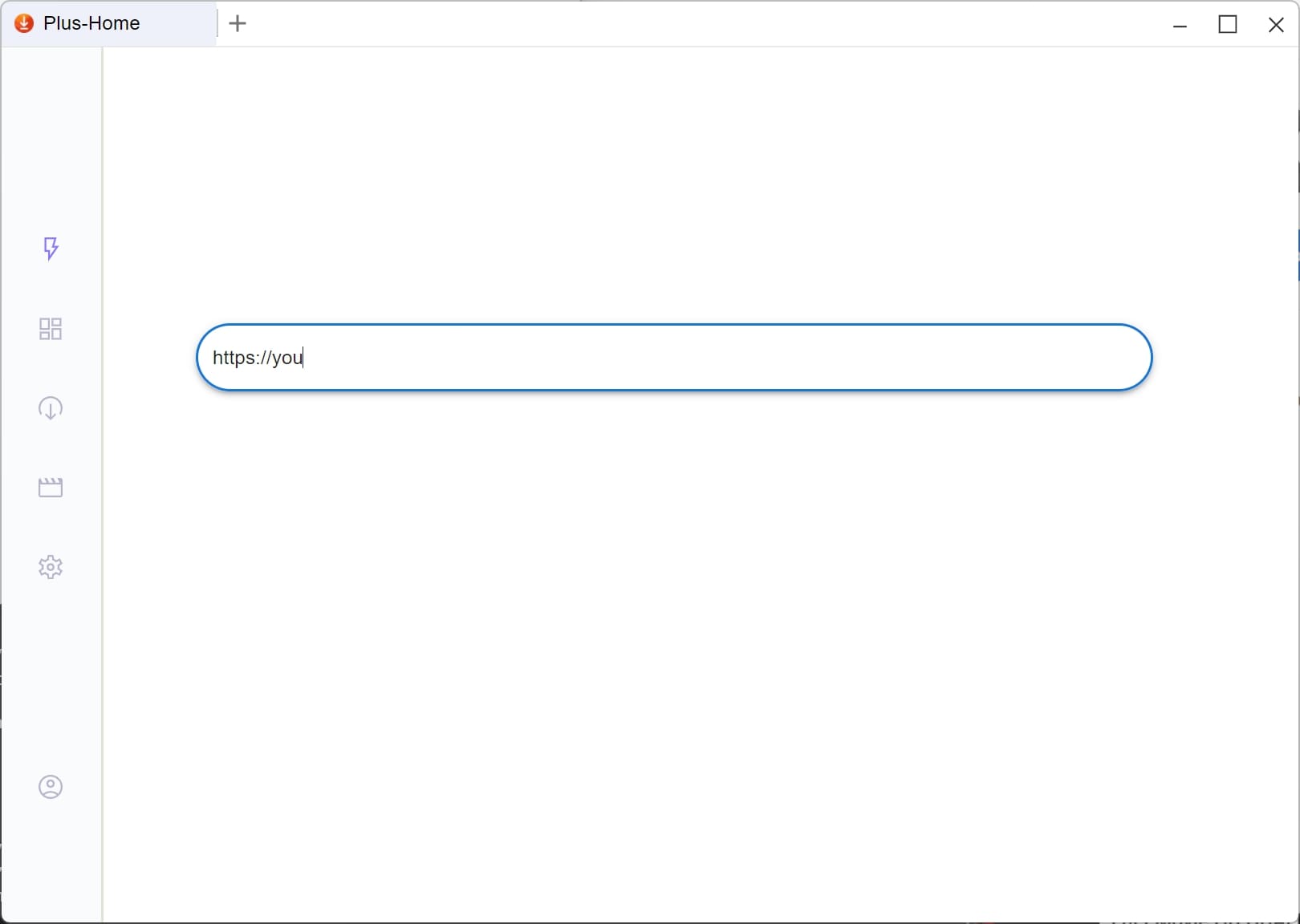
You can directly input your website url to open it or open from our video site collections.
You can directly input your website url to open it or open from our video site collections.
You can also add your favourite site to bookmarklet
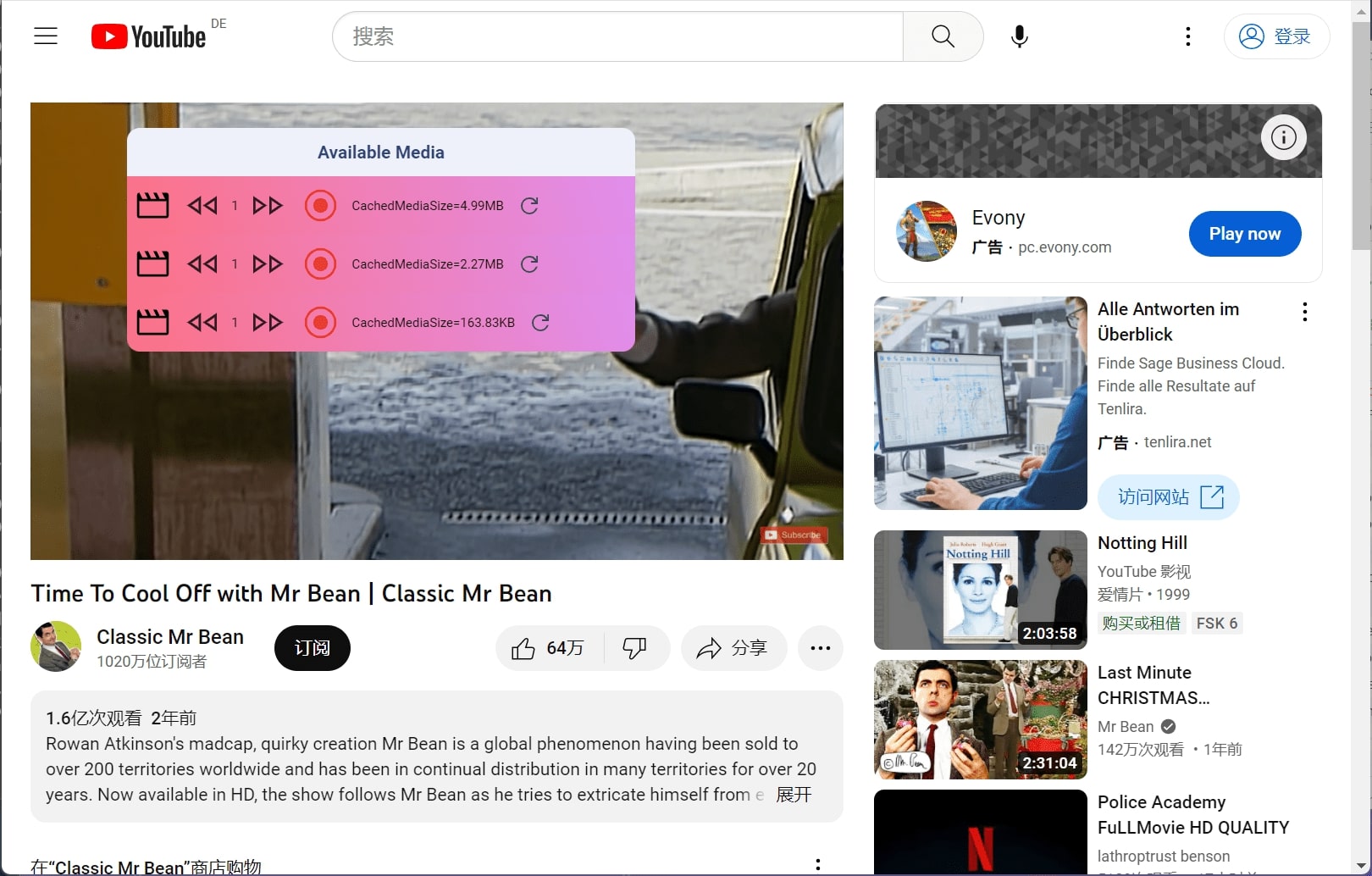
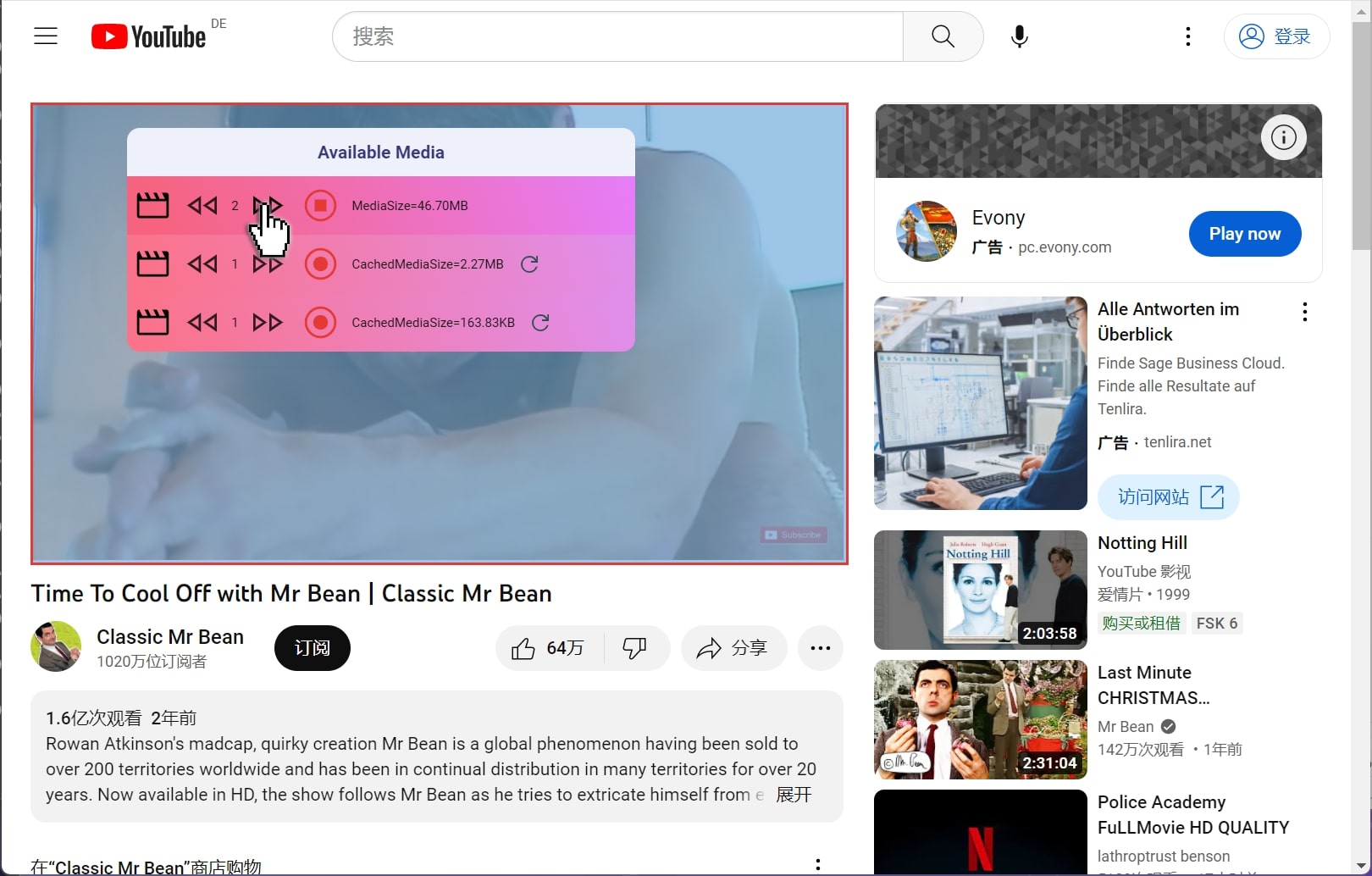
Once the page is opened, the software will detect the videos and show download button for corresponding video
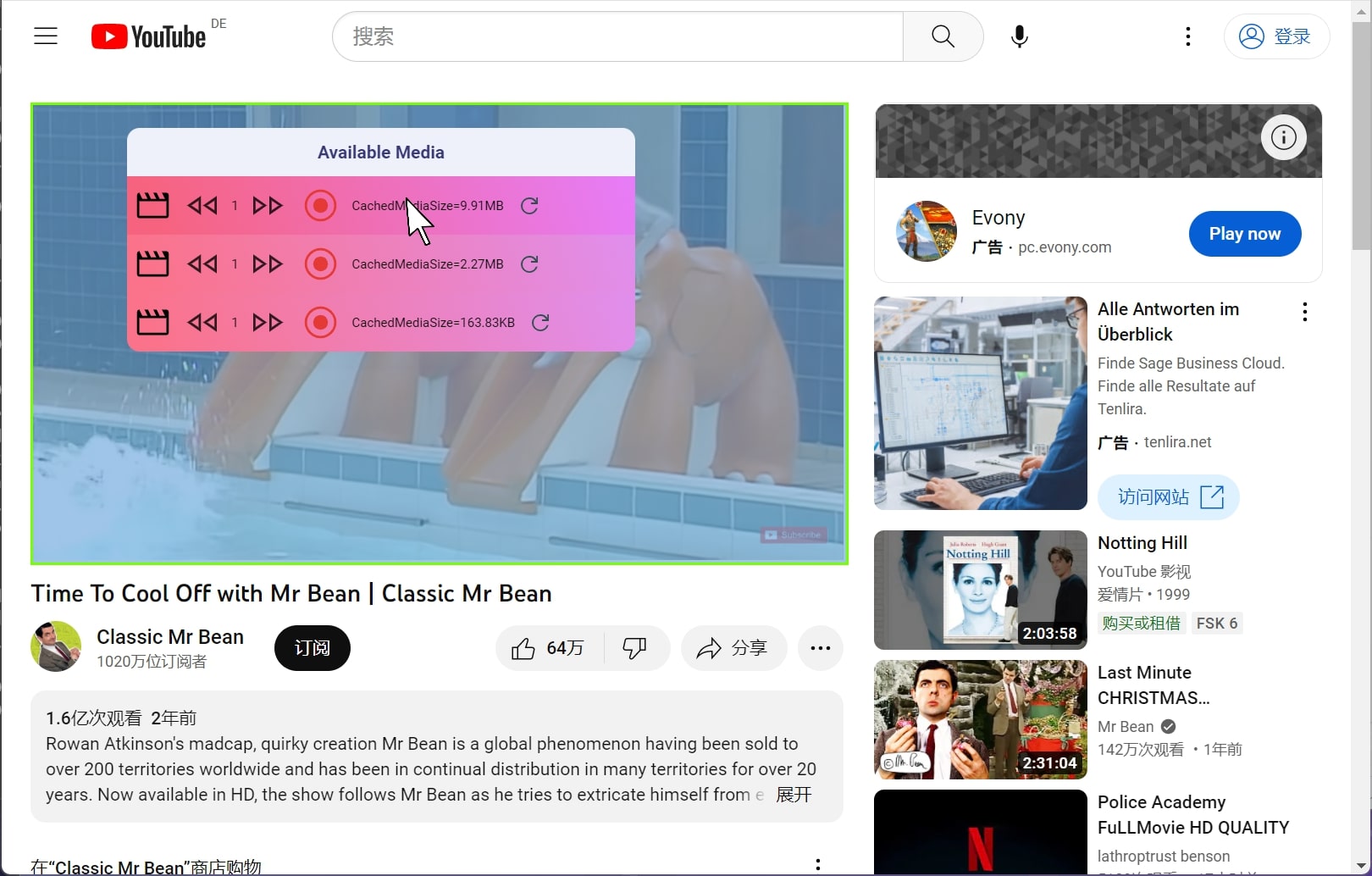
As you can see, there maybe more than one video content on the website, you can move around your mouse cursor to check the video you want to download.
As you can see, there maybe more than one video content on the website, you can move around your mouse cursor to check the video you want to download.
When select the video, you can see a green cover rect on the video to indicate the video you are selecting.
After select the video you wanna download, you can click the download button to start downloading the video.
After select the video you wanna download, you can click the download button to start downloading the video.
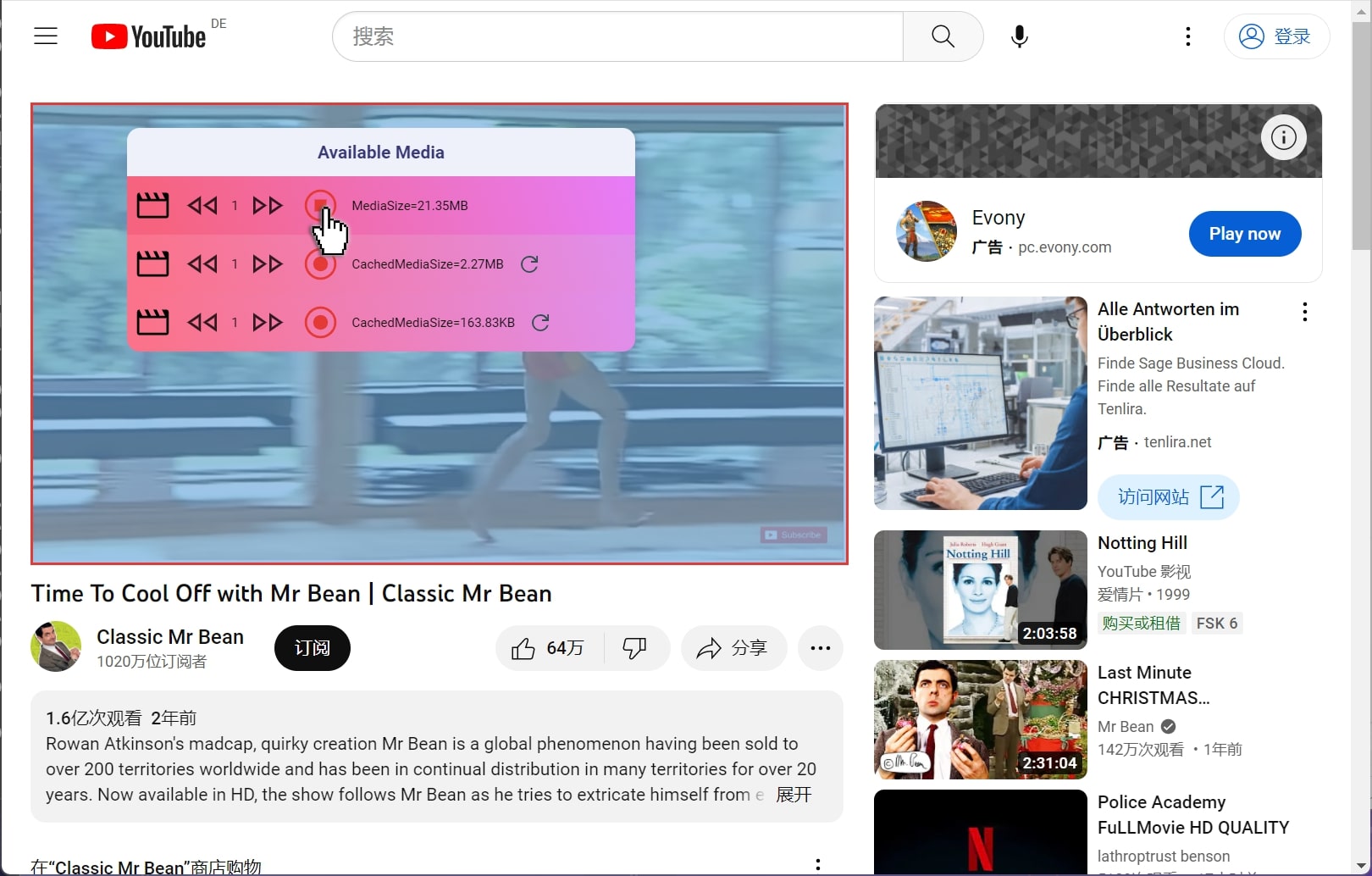
Enjoy and have a coffee, the video will be downloaded to your computer in a few seconds.
If you want to speed up your download, you can see the turbo mode button to speed up your video downloading.
If you want to speed up your download, you can see the turbo mode button to speed up your video downloading.
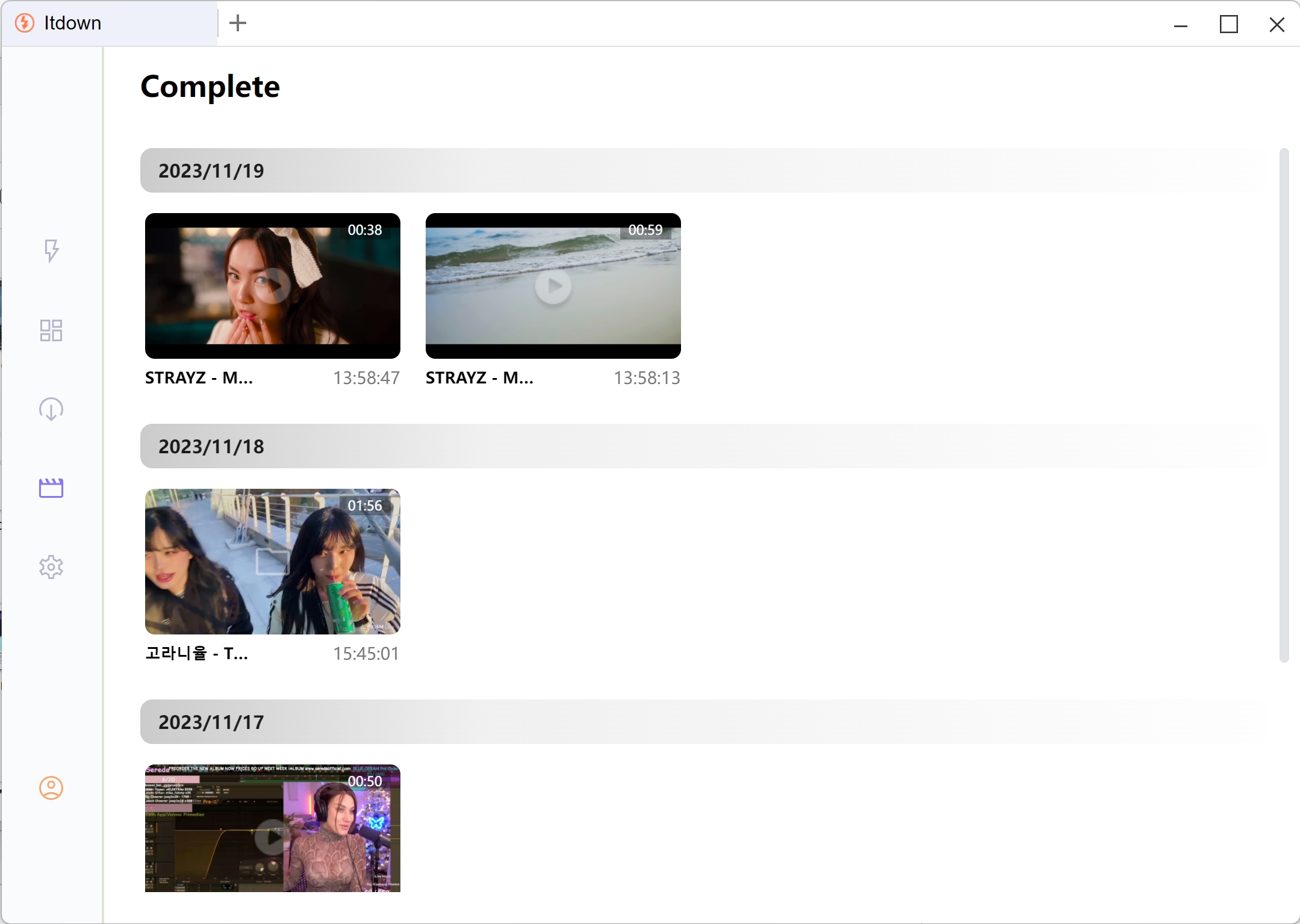
After download the video, you can view all the videos in your library.
After download the video, you can view all the videos in your library.
We ship binaries, never phone home, and keep your credential vault on-device. When platforms push a DRM update, a patch is usually live within hours.